
Registered schools and approved educators are given full access to the Bid Wizard™, our online bid submission tool to make your shopping experience more seamless and simple.
No worries, we have you covered. Click the link below to create one and we can get started.
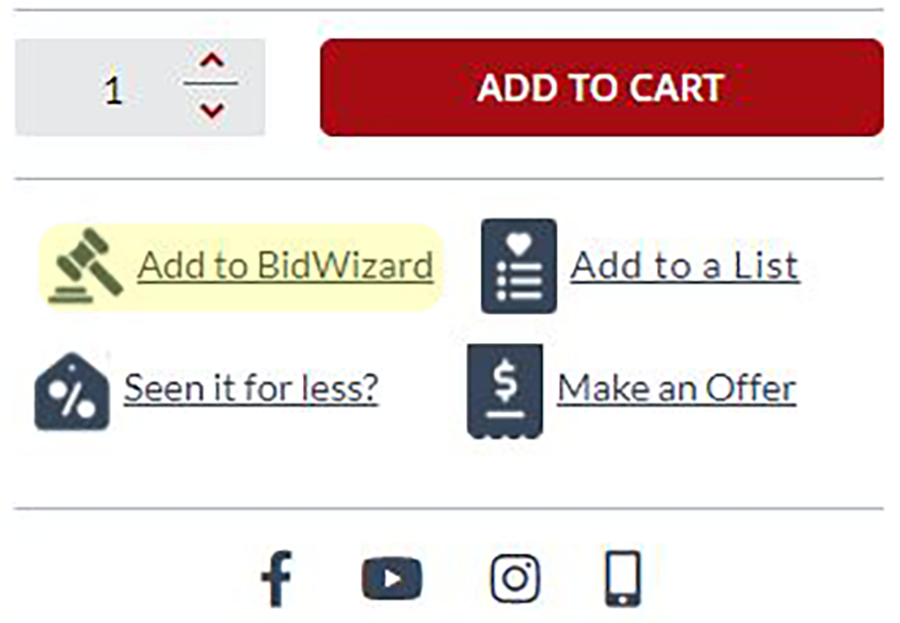
As you're shopping, instead of clicking "Add to Cart", click "Add to BidWizard" and this will add the items to your BidRequest.
During checkout, instead of clicking "PROCEED TO CHECKOUT", click "Checkout with BidWizard".
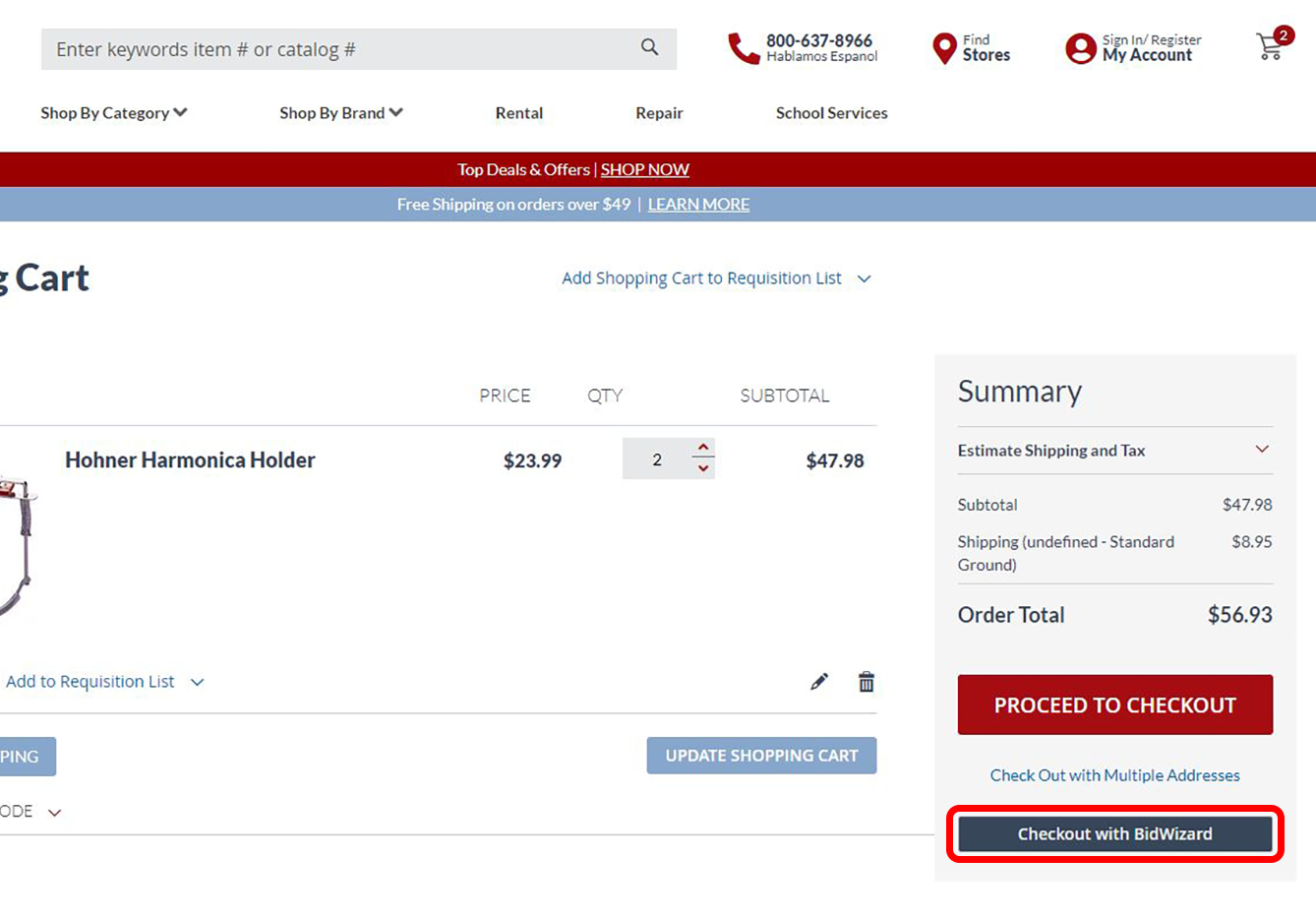
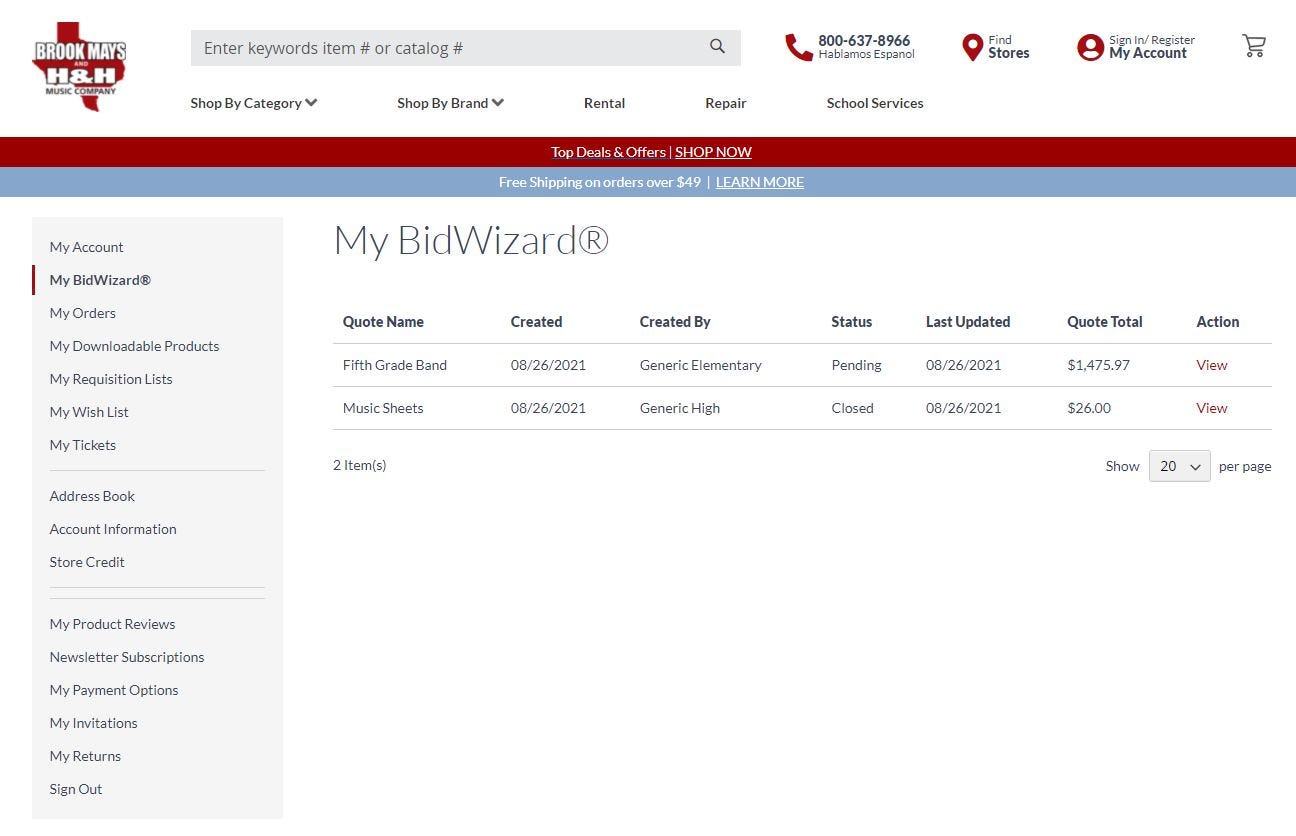
During checkout, instead of clicking "PROCEED TO CHECKOUT", click "Checkout with BidWizard"Upon checkout, your BidRequest will populate under your "My BidWizard" tab in your account. You can click the button below to go straight to your BidWizard page, or you can click "My Account" above and click "My BidWizard" in the left column.
Our BidWizards will immediately begin their magic and will contact you after receiving your BidRequest. They will give you the very best deal possible for your institution. Remember, we will contact you via e-mail to the e-mail address attached to your institutional account.
That's it! Simpler, streamlined, but still just as powerful. Put our BidWizards to work and begin your bid today!